Your day, remembered.
Start on your wrist. Find any moment later, and hear it again — in the languages you speak, even mixed in one sentence.
Coming to the App StoreFor iPhone and Apple Watch
 Watchword
Start on your wrist. Find any moment later, and hear it again — in the languages you speak, even mixed in one sentence.
Coming to the App StoreFor iPhone and Apple Watch
Start
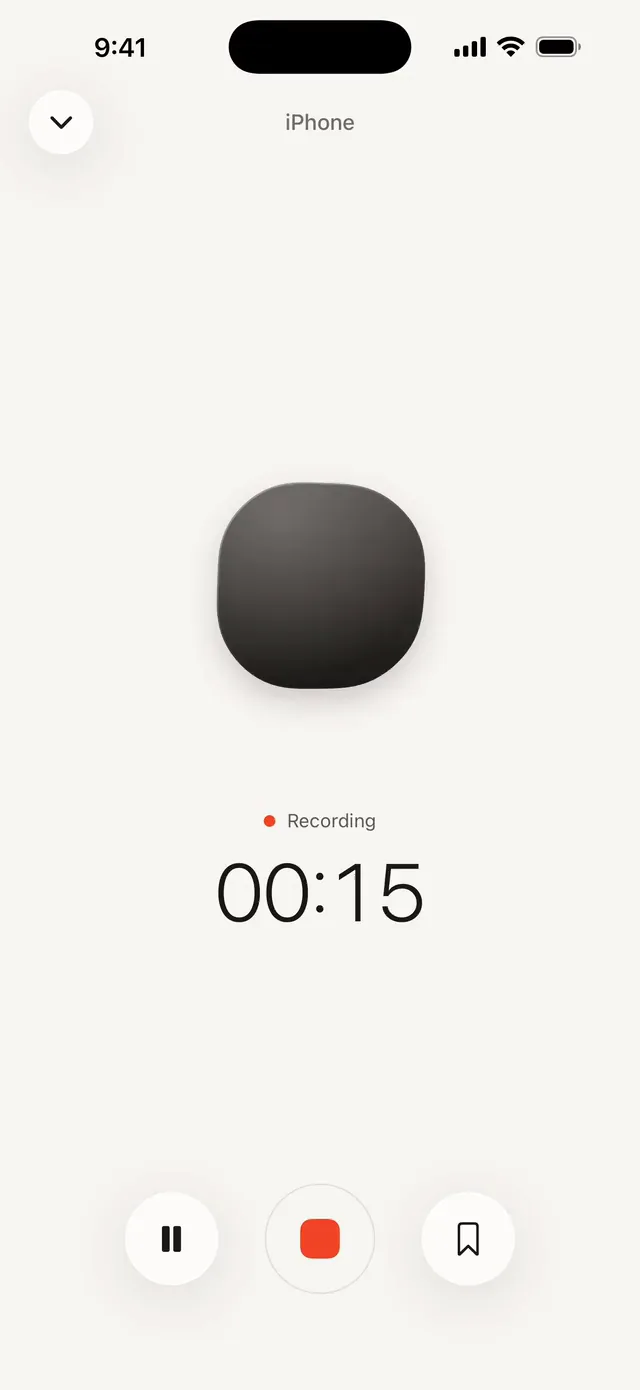
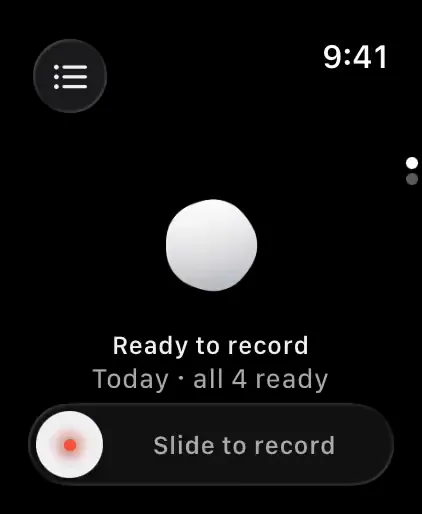
Start on Apple Watch with one slide, or on iPhone with Control Center, the Lock Screen or the Action button (iPhone 15 Pro and later). Your Watch sends the recording to your iPhone by itself. Nothing else to buy, nothing extra to charge.
Mark a moment while you record — double tap on Watch, or tap the bookmark on iPhone.
Find
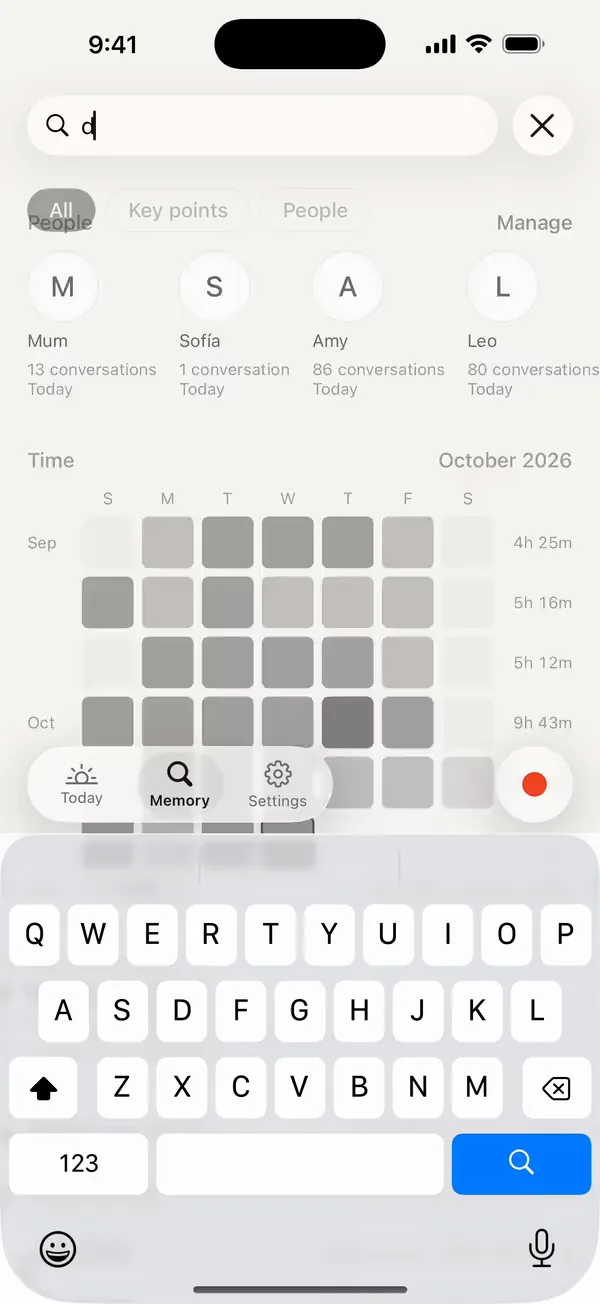
Search any word and every match shows the moment it was said. Tap one and you’re listening right there, with the transcript following along.
Languages
Watchword transcribes English, Spanish, French, Portuguese, Malay, Mandarin and Cantonese, and when a sentence switches between them, it writes it down the way it was said.
We're going to the beach on Saturday, ¿quieres venir con nosotros?
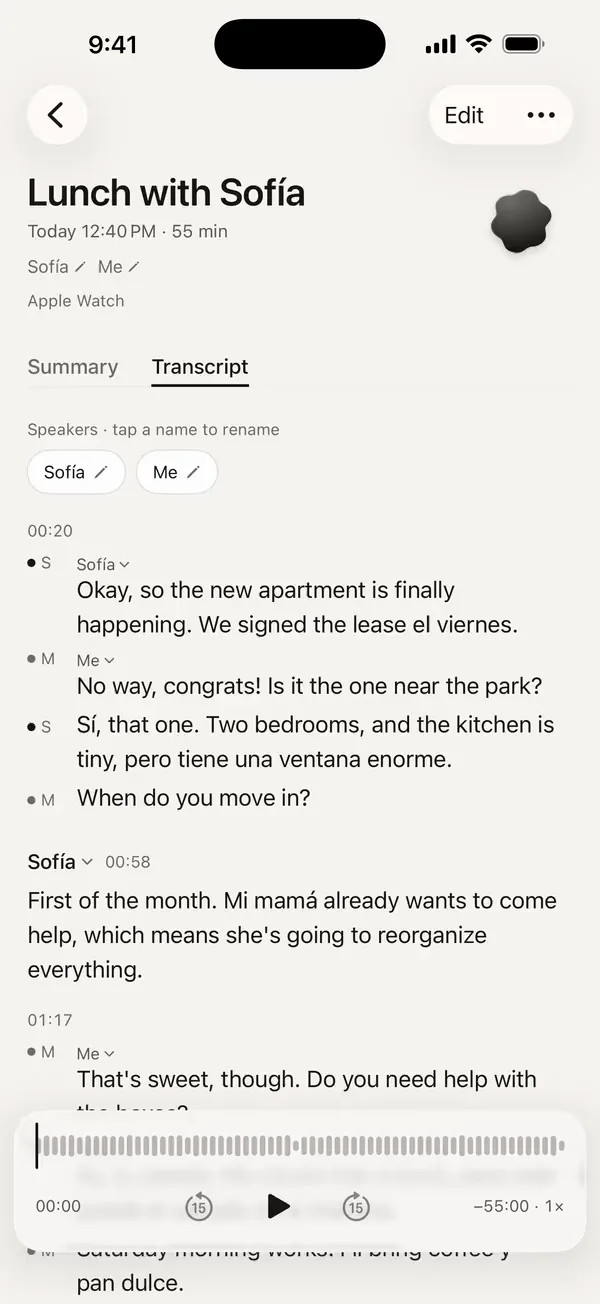
Your day
Today groups a long day into named topics — the standup, the lecture, lunch, the idea on the walk home. Each recording gets a summary and its to-dos, written from the transcript text. Name the speakers to see who said what.
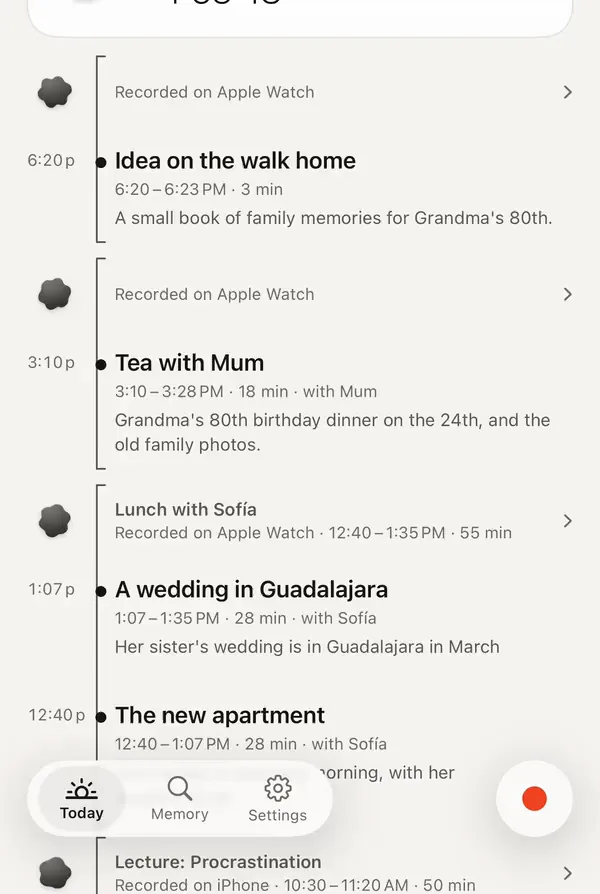
Yours
Price
Record as much as you like. Only cloud transcription uses hours, and you start with 3 free hours in your first 7 days.
| Cloud hours a month | Monthly | Yearly | |
|---|---|---|---|
| Free | 3 hours in your first 7 days | — | — |
| Lite | 15 | US$4.99 | US$49.99 |
| Plus | 30 | US$9.99 | US$99.99 |
| Always-on | 90 | US$29.99 | US$299.99 |
| Top-up | 20 hours | US$6.99, once | |
If your hours run out, recording never stops — transcription waits until you have hours again.
No. iPhone records on its own; the Watch is the quickest way to start.
iPhone with iOS 26, and optionally Apple Watch with watchOS 26.
Only when you start it, and until you stop it.
Laws differ by place, and some require everyone’s consent. Please follow the laws where you record and tell people when that’s required.
Transcription: English, Spanish, French, Portuguese, Malay, Mandarin and Cantonese, even when a sentence mixes two of them. The app itself: English, 简体中文, 繁體中文, Bahasa Melayu, Español and Français.
From the transcript text, never the audio. Turn cloud summaries off and Apple Intelligence writes them on your iPhone (on iPhones that support it).
Recordings go to Trash first; you can delete permanently from there. “Delete My Data on the Server” removes your account data on our server.
Recording does. Transcription and summaries wait until you’re online.